Ticketing system migration
Legacy ticket data migrated onto a new platform.
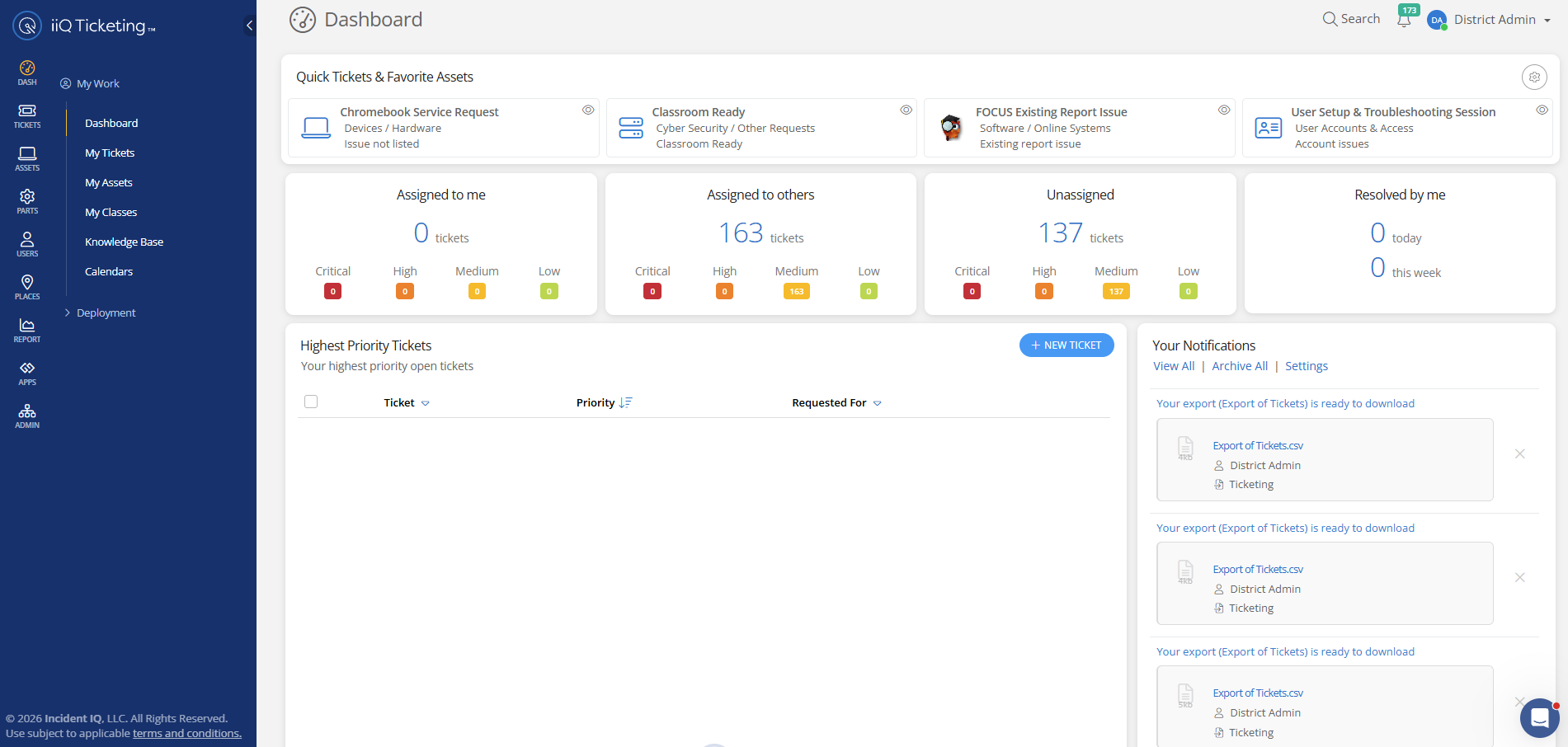
Tap the screenshot to see it full size
The problem
Parts, orders and devices ran on guesswork.
~1,100parts entries, full of duplicates
The district's technology team was running support out of an outdated ticketing tool that nobody liked using. It had no reliable way to track parts or the purchase orders behind them, so knowing what was in stock, what was on order, and where it was going came down to guesswork. Device records were scattered across separate systems, with no single, trusted view of what the district owned or who had it.
What I built
One platform, set up around how the team works.
10,000+users on the new platform
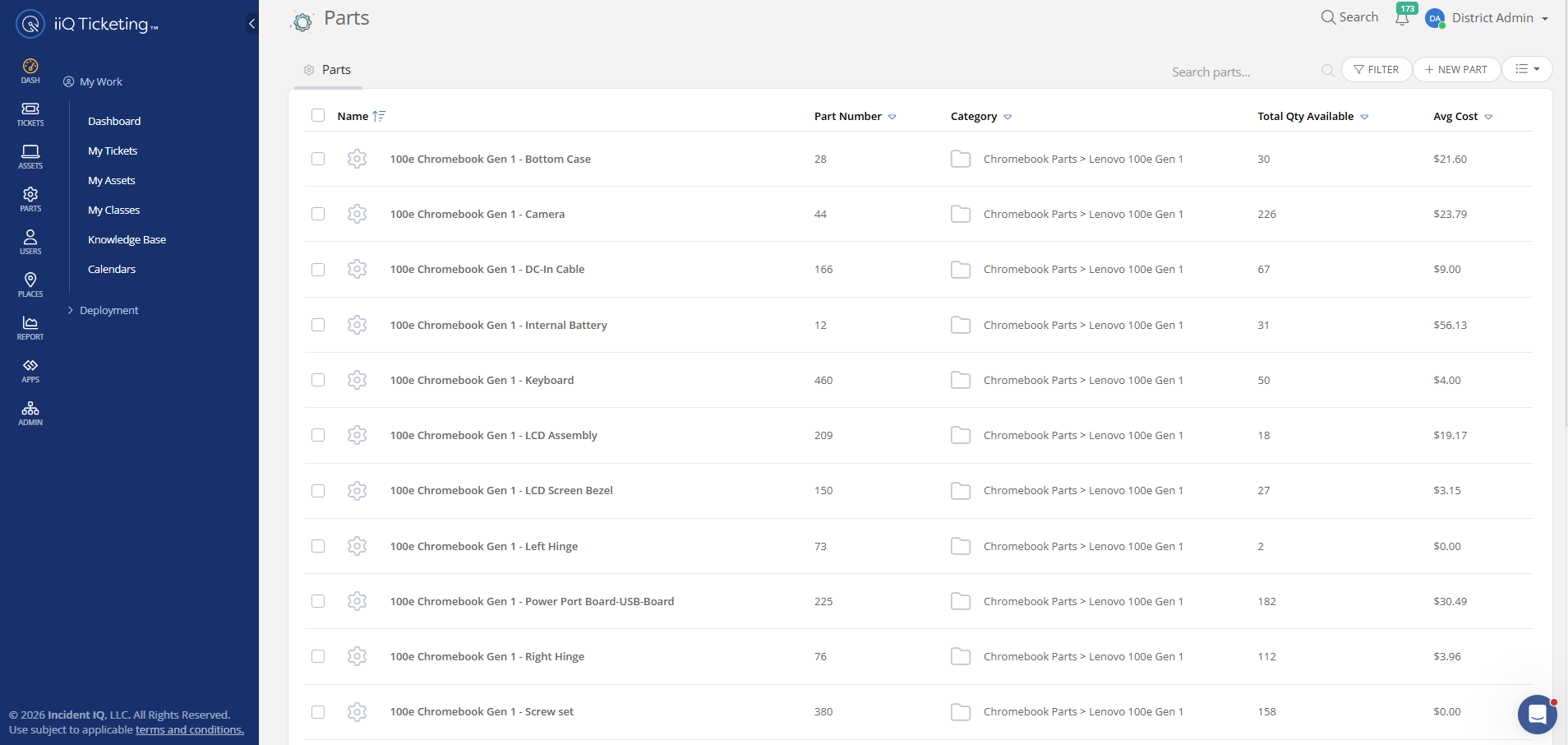
A move to a modern ticketing platform, set up around how the department works. Devices from Jamf, Azure, and Google now live in one record with clear ownership, and parts are organized by the models they fit. New queues, Google sign-on, and email-to-ticket keep requests flowing, while a custom script pulls in purchase orders so parts orders sit right next to inventory.
Tap the screenshot to see it full size
How I approached it
Setup first, the parts catalog last.
After hearing the department's frustrations, I recommended a platform I'd seen work at another district, and the team shaped what it needed to do. The work ran in stages: setup, devices, workflows, then parts. Most of it was data cleanup in SQL, Python, and JavaScript, and the parts catalog, full of duplicates and inconsistent names, was the trickiest piece.
- 01DiscoveryHeard the department's needs
- 02SetupVendor config, legacy data
- 03DevicesJamf, Azure, Google cleaned
- 04WorkflowsQueues, SSO, email to ticket
- 05Parts1,100 entries down to 500
The outcome
Half the catalog, all of it accurate.
A parts catalog of roughly 1,100 entries, full of duplicates, was cleaned down to about 500 accurate ones. The team now knows exactly what parts they have, sees when items are running low and where, and can check the status of parts orders at a glance. Day to day, ticketing is simpler to work in, and reporting finally reflects what's actually happening.

Start here
Stuck on a system nobody likes?
If your team is working around outdated tools and scattered records, I can move you onto something that fits how you actually work.